


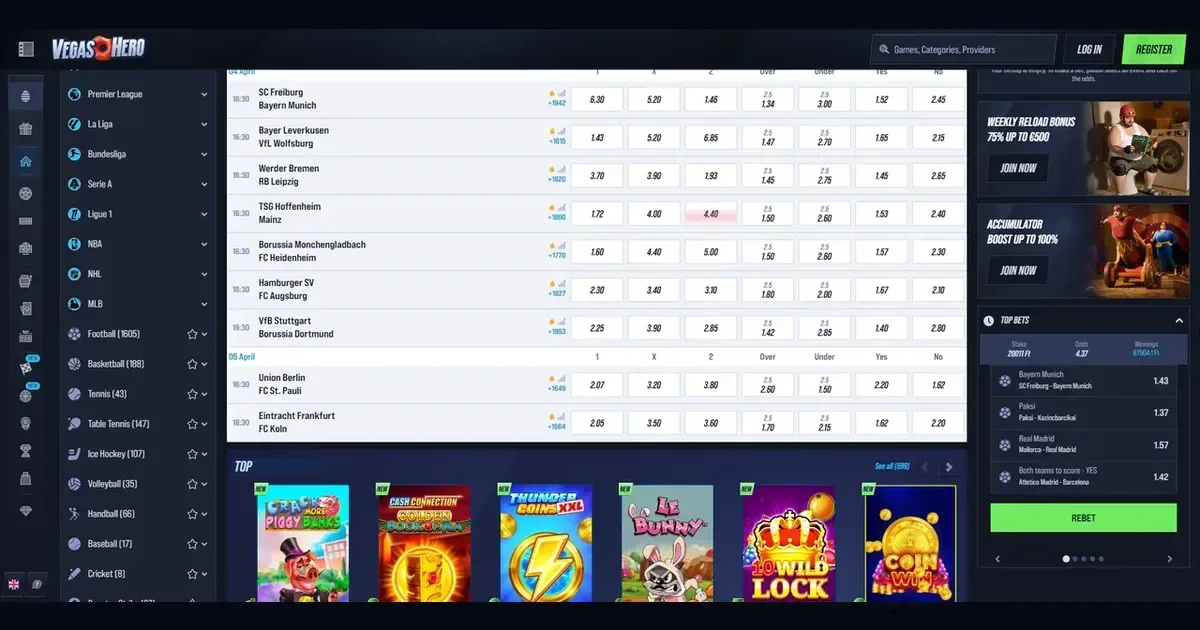
Your account lives at the operator, not at this portal. Vegashero holds your balance, your history and your credentials — only the operator can verify, restore or unblock access. This page explains how signing in works and where to turn when it doesn't.
The route to your account
- Open the operator's own site — type the address or use a bookmark you saved.
- Find the sign-in button and click it.
- Enter the email address you used when you registered.
- Enter the password you chose at that time.
- Confirm, and the account opens.
No account yet? Registration happens at the operator too, through its own sign-up route.
The handful of things that go wrong
Most login failures come from one of these causes, and each has a fix:
- Wrong email or password. Check for typos, and make sure caps lock is off — passwords are case-sensitive.
- Account not verified. The operator may ask for ID, proof of address and payment-method documents before or after your first deposit. Upload what's requested, and access returns once the check clears — usually within 10 days.
- Browser session expired. Clear your cookies and cache, or try a private browsing window.
- Self-exclusion in force. If you closed the account under responsible-gambling controls, it stays closed for the period you chose. Contact support if you need help — never try to work around it.
- Inactive account. After 180 days without a login, the operator charges a monthly administration fee. Sign in to reactivate it.
Getting in from a phone
The same account works on desktop and mobile. Open the operator's site in your phone's browser, tap the sign-in button, and enter the same email and password you use elsewhere. The credentials don't change; only the screen size does.
Getting back in
Forgotten your password? The operator emails a reset link to the address you used at registration. Click that link, set a new password, and you're in. If you no longer have access to that email account, contact the operator's support team directly — they'll verify your identity through other means and update the address on file.
When the block is deliberate
Some restrictions are policy, not faults. The operator may hold access while it completes verification checks, particularly around your first withdrawal. Documents must be provided within 30 days of the request. A self-exclusion you set yourself stays in place for its full term — that's the point of it. An account flagged for unusual activity may be locked until support reviews it. In each case, the block protects either you or the operator, and lifting it goes through the proper channel.
The right door for help
Login problems belong to the operator, and so does the fix. Reach the support team through live chat (available around the clock) or by email at [email protected]. Have three things ready before you write: the email address on the account, when the problem started, and the exact wording of any error message that appeared on screen. The more detail you give, the faster support can trace the cause.
Keeping access safe
Sign in only at the operator's own address — typed by hand or reached through a bookmark you saved yourself. Never follow a link in an email or a message, even if it looks genuine; phishing sites copy the real layout and the real wording, and the only giveaway is the address bar. Use a password you don't use anywhere else. On a device someone else can reach, sign out when you're done. If the operator offers two-factor authentication, turn it on — a second step at login is a nuisance once and a safeguard from then on.
Gambling is for adults aged 18 and over (18+). If it ever stops feeling like entertainment, free and confidential help is available at BeGambleAware.org or through the National Gambling Helpline on 0808 8020 133.
This site is for players aged 18 and over (18+). We want your play to stay enjoyable — for free, confidential support, visit BeGambleAware.org.